Hello everyone,
How can I call module scripts and functions inside them? Sadly I didnÄt find anything about them in the docs
1 Like
What I’ve done is something similar to Roblox where I do this
local module = {}

return module
However, since TruScript doesn’t have the function formatting Roblox does, for a function you have to do
module.FunctionName = func(param):
    print("Hello, TruWorlds!", param)
Another thing you can do, for more advanced Module Script use, you can sorta make custom Classes
(this isn’t a great way, and if there are any better ways, I suggest using those)
local baseClass = {}

baseClass.New = func(param1, param2, param3):
    local newClass = {
        Param1 = param1,
        Param2 = param2,
        Param3 = param3,
    }

    newClass.Function = func():
        print("This is a function for this newly created class!")

    return newClass

return baseClass = {}
3 Likes
How can I use a module script in a server script for example? Something like require() doesn´t seem to work
1 Like
You use import("path_to_module" :D
Something neat that it does is that it goes based on where the script requiring the module is, so if you have a module script in a subfolder with your main script you can do import("subfolder/module")
2 Likes
Just hopping in to say we do plan on building out some kind of class system in the future. If you guys have any ideas to bounce at me let me know!
2 Likes
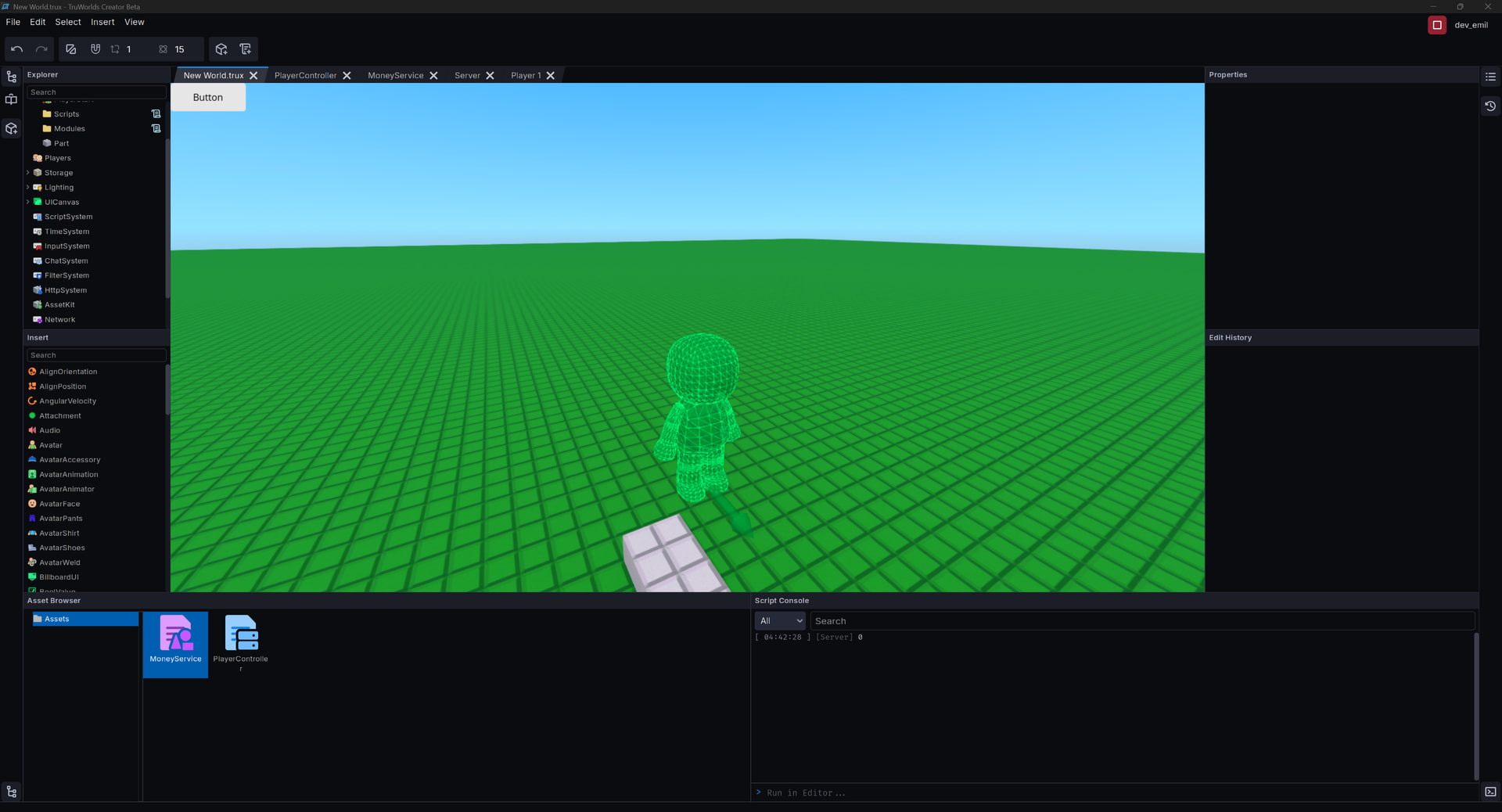
I don`t get how I can add in the path to module. I have a folder called Modules in World and the module script is added as a Script Component there but I can not do something like local MoneyService = import(game.World.Modules.MoneyService):[ 04:31:55 ] [Server] Folder has no member named 'MoneyService'. Script 'PlayerController' on object Scripts -- At Line 3:29 - 3:33
I also didn’t find a way to add the module in as an object like you would in Roblox. When I right click → Copy Path inside the Asset Browser it is just “MoneyService” which does not work as a path as well.
Here are my scripts:
Script Component “PlayerController” in World.Scripts:
local MoneyService = import(game.World.Modules.MoneyService)

func onPlayerAdded(player):
    MoneyService.addPlayer(player)
    print(MoneyService.GetMoney(player))

game.Players.PlayerAdded.Connect(onPlayerAdded)
Script Component “MoneyService” in World.Modules:
local Money = {}

Money.addPlayer = func(player, money):
    Money[player.UserId] = 0

Money.removePlayer = func(player):
    Money[player.UserId] = nil

Money.changeMoney = func(player, amount):
    local plrMoney = Money[player.UserId]
    if amount < 0:
        if amount > plrMoney:
            return false

    plrMoney = plrMoney + amount
    return true

Money.getMoney = func(player):
    return Money[player.UserId]

return Money
The path is in the Asset Browser not the world
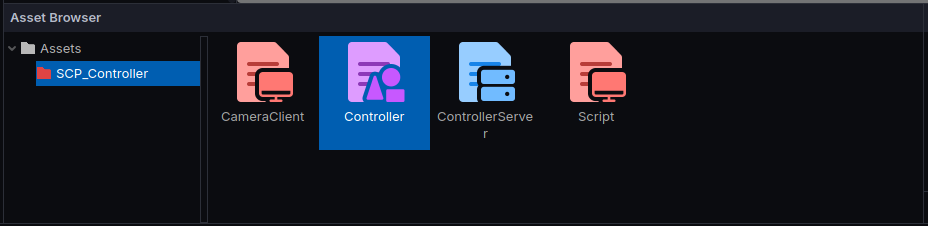
Say I wanted to get the
Controller module, I’d just do this inside of a script
# Say the script is inside of the folder with the controlller
local Controller = import("Controller")
# But if it isn't, you can do this
local Controller = import("/SCP_Controller/Controller")
2 Likes
2 Likes
Ohh, this is interesting, actually. Good discovery
Copy path should really prefix with a / so that it’s treated as an absolute path when you paste it into an import() function.
I will definitely make this change as soon as I can.
1 Like
Hello @dev_emil,
I took your feedback into consideration and implemented a patch in the latest release of TruWorlds Creator so that pressing “Copy Path” on a script gives you an absolute path that you can always paste into an import() function.
The script editor also now has auto completion that suggests module script paths automatically.
I hope this helps.
1 Like